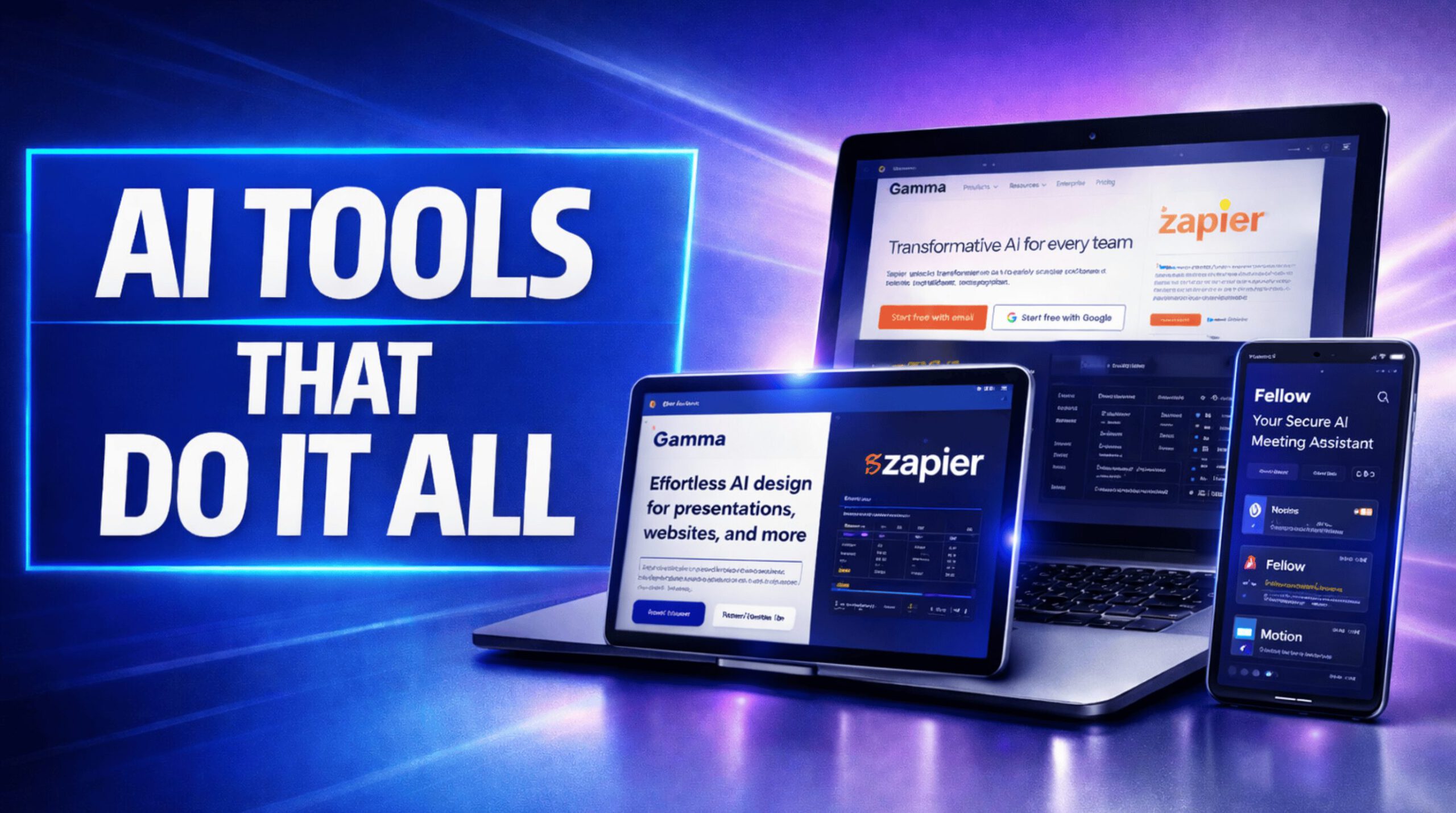
“Time is money,” especially when juggling cooking recipes, travel itineraries, and content deadlines—and as any chef knows, a pinch of efficiency can save hours. These AI-powered productivity tools will replace almost everything you used before. Chosen from hundreds, these apps stand out for their usability, tangible outcomes, and how well they integrate with tools you already use. Ready to trade chaos for calm and finally get your life back?
9. Rize
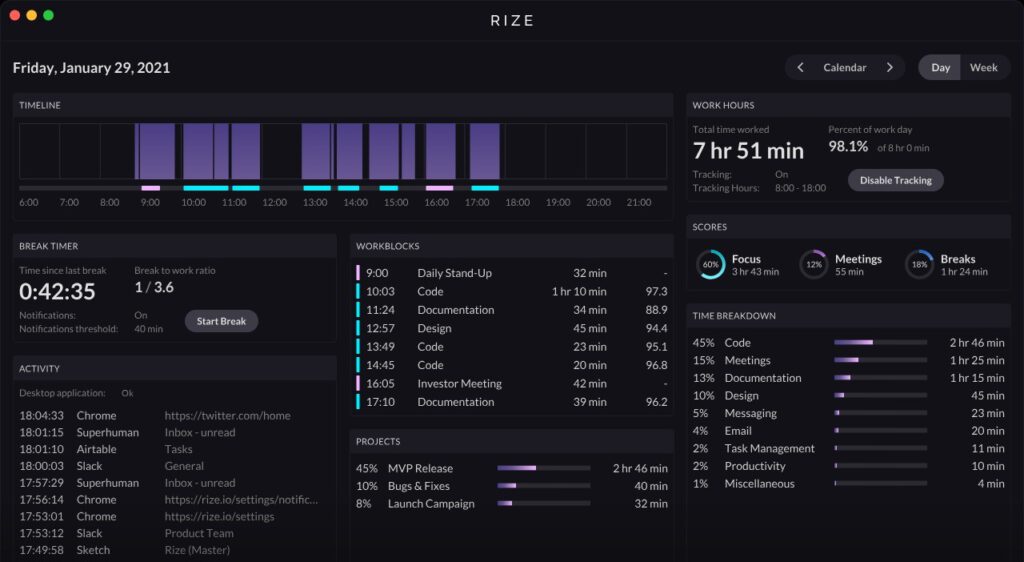
AI-powered time tracking that builds focus and sustainable habits for busy professionals.
Rize steps in like a digital Mary Poppins, practically forcing you to build focus and sustainable habits. Unlike that free time tracker you downloaded last year and forgot about, Rize keeps tabs on your activities, projects, and clients, turning chaos into a color-coded symphony. It’s like having a tiny productivity guru living in your taskbar, except less annoying.
Freelancers and business owners swear by this thing. After extensive testing, its intuitive UI proved it’s worth every penny. Picture yourself balancing recipe testing for a travel blog with deadlines: Rize helps manage those time-sucking squirrels, freeing you to find the perfect gelato.
8. Fellow
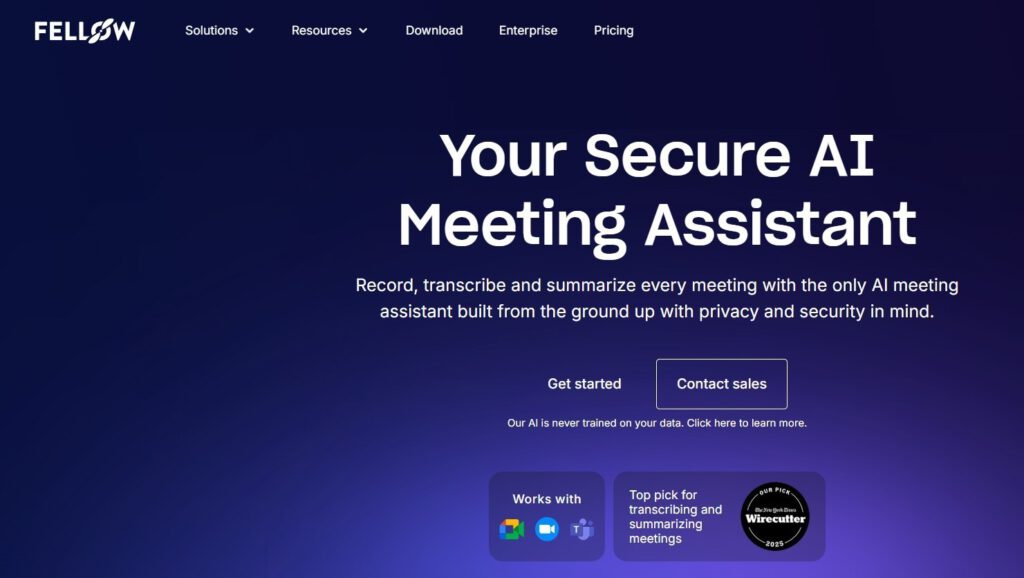
AI note-taker that captures meeting insights and saves hours of manual transcription.
Fellow saves 3-5 hours weekly for solo entrepreneurs and teams. This AI note-taker isn’t just about jotting down chicken scratches; it’s like having a super-efficient assistant who actually listens—and transcribes—everything.
Imagine spitballing travel ideas with your team (Tuscany vs. Tokyo—tough call!), and Fellow’s notetaker auto-records all the logistical gold. Fellow integrates smoothly with Notion, offering tiered pricing from Free to Enterprise. For solopreneurs and larger teams, this tool could finally retire some bad habits, like doodling during discussions.
7. Motion
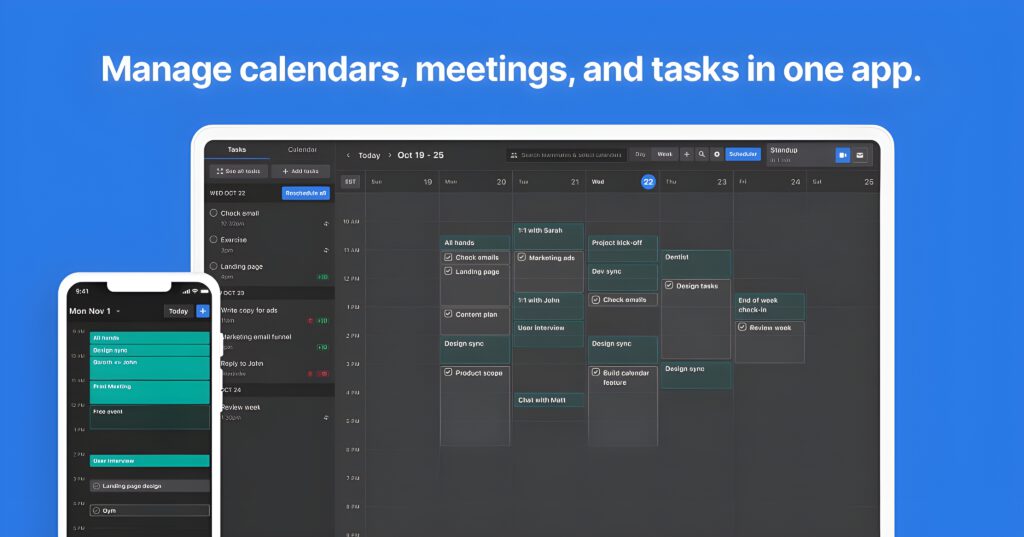
All-in-one productivity hub with AI scheduling and task management for busy entrepreneurs.
Solo entrepreneurs juggle more than chainsaws; it’s a full-blown circus. Endless apps mean “death by a thousand notifications” for many content creators. Then they plug into Motion, the AI-powered productivity hub.
Suddenly, chaotic workflows snap into focus. Calendar clashes vanish thanks to Motion’s smart integration with Google, Apple, and Outlook. Project deadlines get wrangled by AI task management. Even scattered recipe notes find a home with AI note-taking. At $29 monthly for the AI Workplace plan, it’s cheaper than therapy and far more organized.
6. Taskade
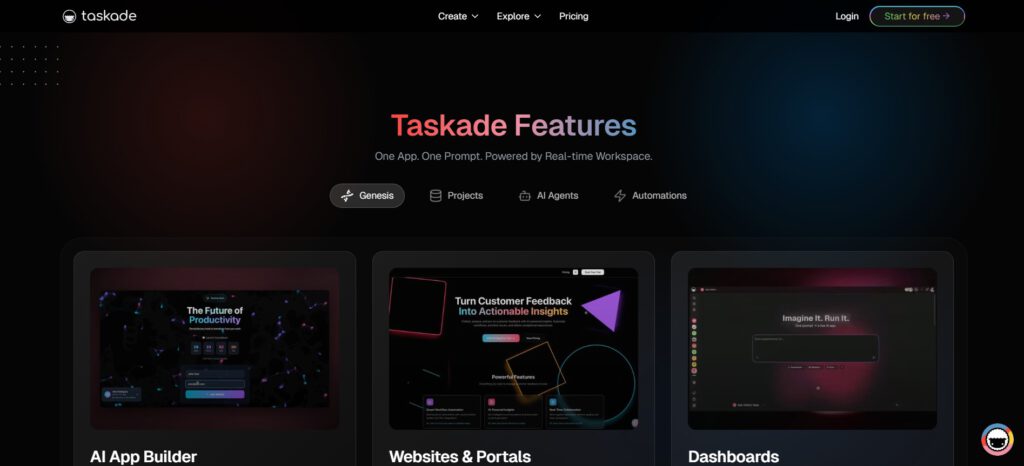
Real-time collaboration platform with AI task management and extensive app integrations.
Remote teams know the drill: coordinating projects feels like herding cats. Unlike basic to-do lists, Taskade brings AI to the rescue, merging task management, note-taking, and project oversight. With 7,000+ Zapier integrations, it’s like having a digital Swiss Army knife.
Imagine a culinary team planning a multi-city food tour. Instead of bouncing between apps, they automate everything within Taskade—from vendor outreach to social media posts. Give it a spin and see if it streamlines your chaos.
5. Zapier
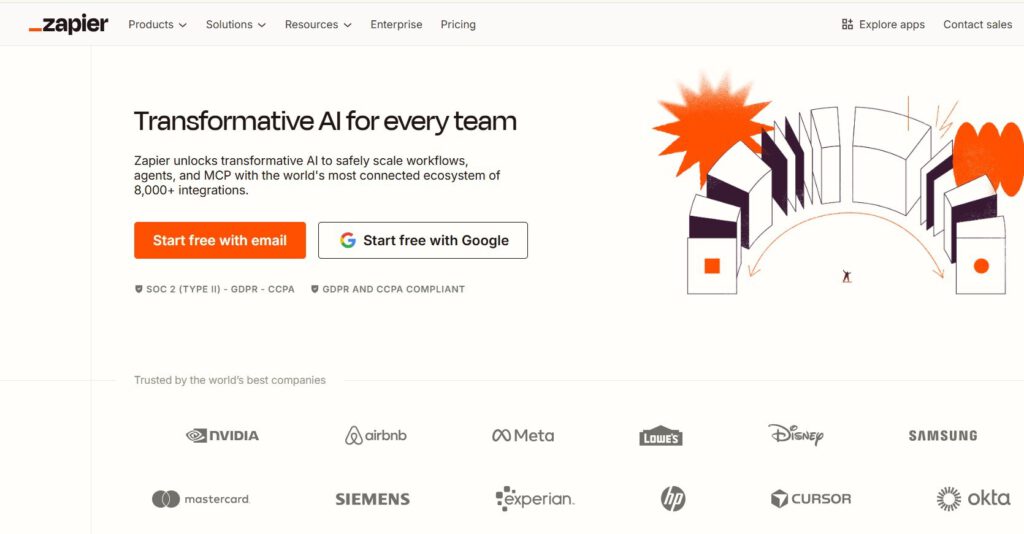
AI orchestration platform connecting 8,000+ apps for seamless workflow automation.
If you’re juggling more apps than a Cirque du Soleil performer, Zapier enables AI orchestration across 8,000+ apps, which is frankly more connections than most people have on LinkedIn. Think of it as your digital Swiss Army knife, linking tools like Evernote and Motion, allowing them to actually talk to each other.
Copilot provides natural language workflows, and AI by Zapier gets you hooked into ChatGPT access. It’s a solid way to stop copy-pasting between apps and start actually doing something creative. And if it learns to do laundry, all the better.
4. Notion
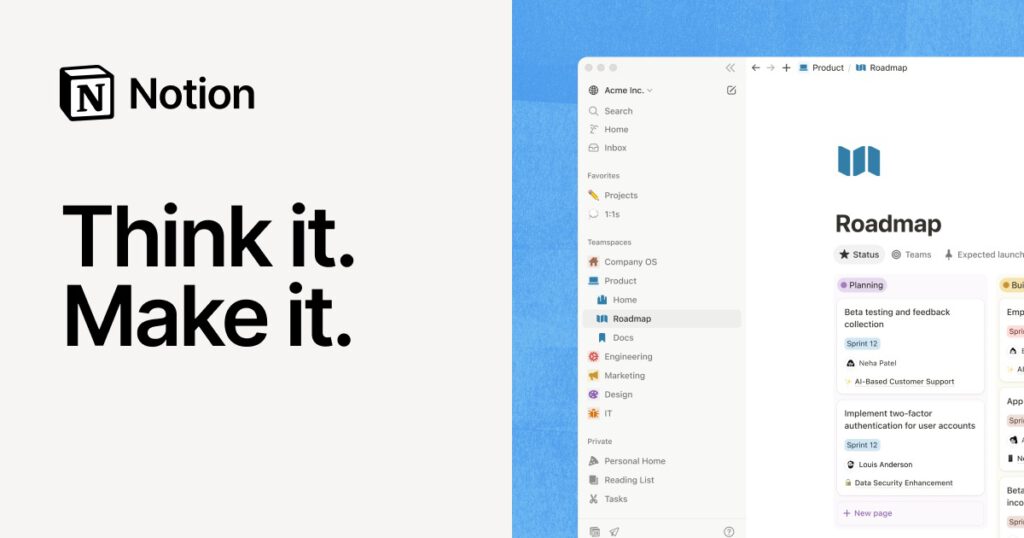
Customizable all-in-one workspace for notes, projects, tasks, databases, and calendars.
Notion acts as an all-in-one workspace where you can juggle notes, projects, tasks, databases, and even your sanity. For content creators drowning in half-finished recipes and travel itineraries, this is your digital kitchen. It’s customizable for workflows and popular on Product Hunt.
Sure, some folks assume that something this flexible must be about as user-friendly as IKEA furniture, but once you get the hang of it, you can build the system of your dreams. At minimum, one that doesn’t involve sticky notes covering your monitor.
3. Reclaim.ai
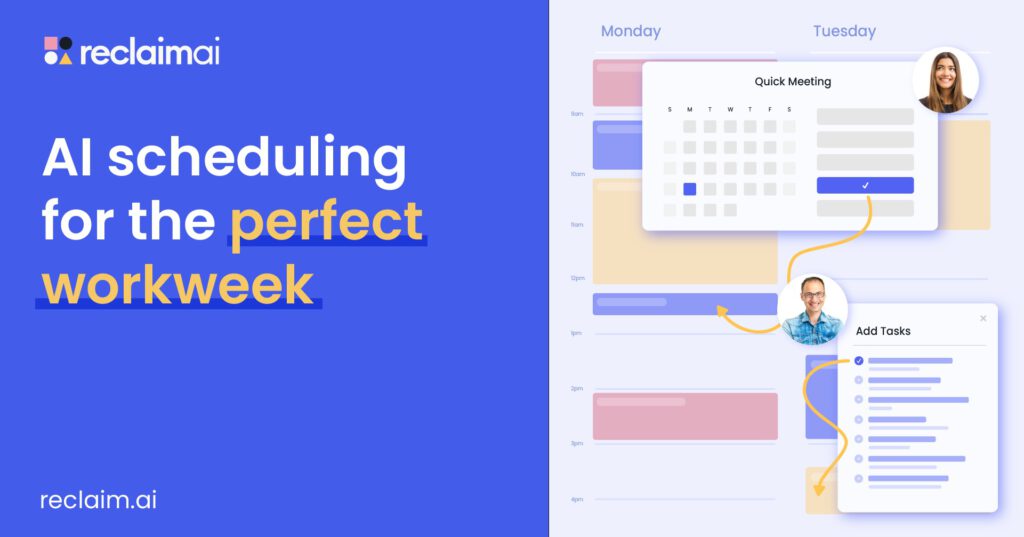
Habit protection and scheduling tool that carves out focused work time automatically.
Remember when blocking off “focus time” meant putting a sock on the doorknob? Reclaim.ai brings that analog concept into the digital age, protecting your calendar like it’s Fort Knox. You can integrate it with your productivity stack through Zapier.
If you’re a food blogger juggling recipe development and sponsored content, use Reclaim.ai to carve out uninterrupted hours for recipe testing, automatically scheduling around meetings and commitments. It’s like having a personal assistant who understands that “do not disturb” means DO NOT DISTURB.
2. Clockwise
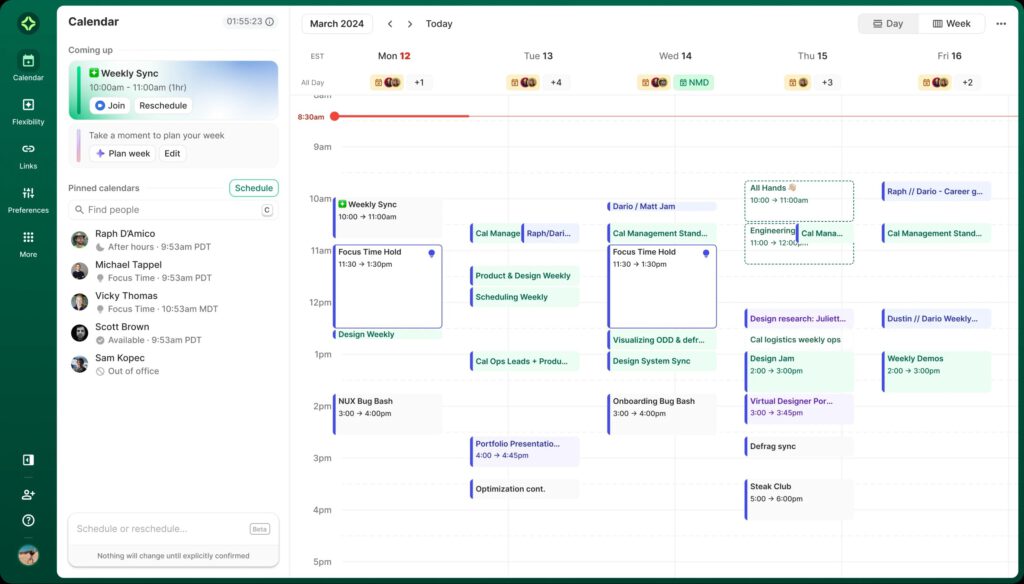
Team calendar optimization that reduces interruptions and creates focused work blocks.
Ever feel like herding cats trying to schedule team meetings? Clockwise tackles that mess by optimizing team calendars, promising fewer interruptions and more focused work. It’s the digital equivalent of a traffic cop for your Google, Apple, or Outlook Calendar.
Before Clockwise, your schedule probably looked like a Jackson Pollock painting of calendar invites. Clockwise steps in, using AI to find the best times for meetings, batching them together to create longer, uninterrupted blocks for deep work.
1. Gamma
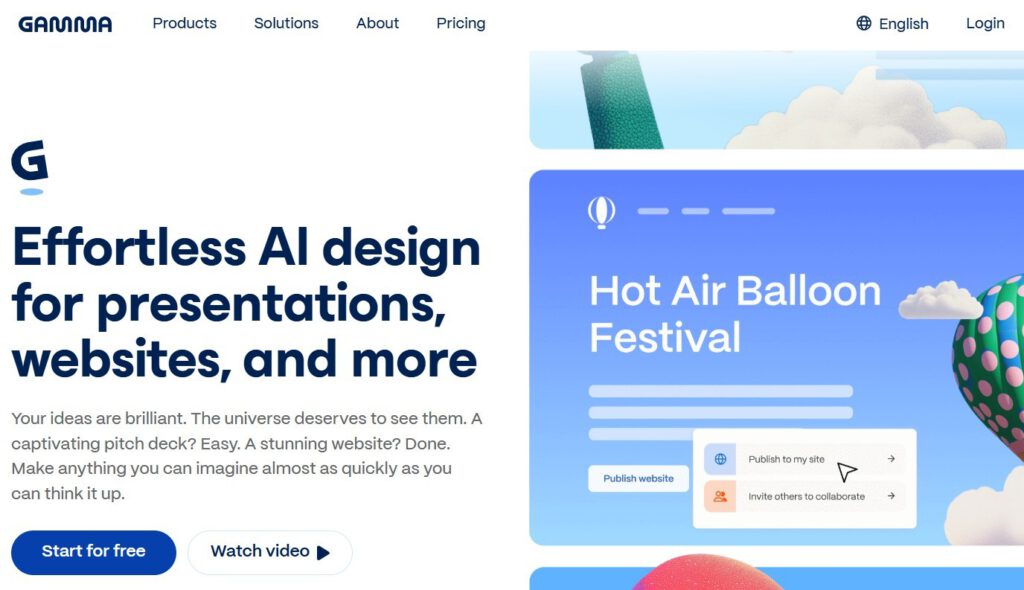
AI presentation generator that creates professional slides in minutes.
Gamma finally makes presentations feel like less of a root canal, using AI to generate slick slides faster than you can say “PowerPoint fatigue.” Think of it as Canva, but with a brain—and less clip art. You can get a cohesive deck up in minutes, which is clutch when juggling recipes and travel itineraries.
Imagine needing a pitch deck for a potential food tour sponsor, stat. Sure, the AI might occasionally add a slide about blockchain, but overall it’s a time saver that cuts prep time without making you too reliant on artificial intelligence.