




Keeping a 3-year-old entertained is close to a full-time job, and almost every easy answer glows. The tablet works. That is the problem with the tablet.
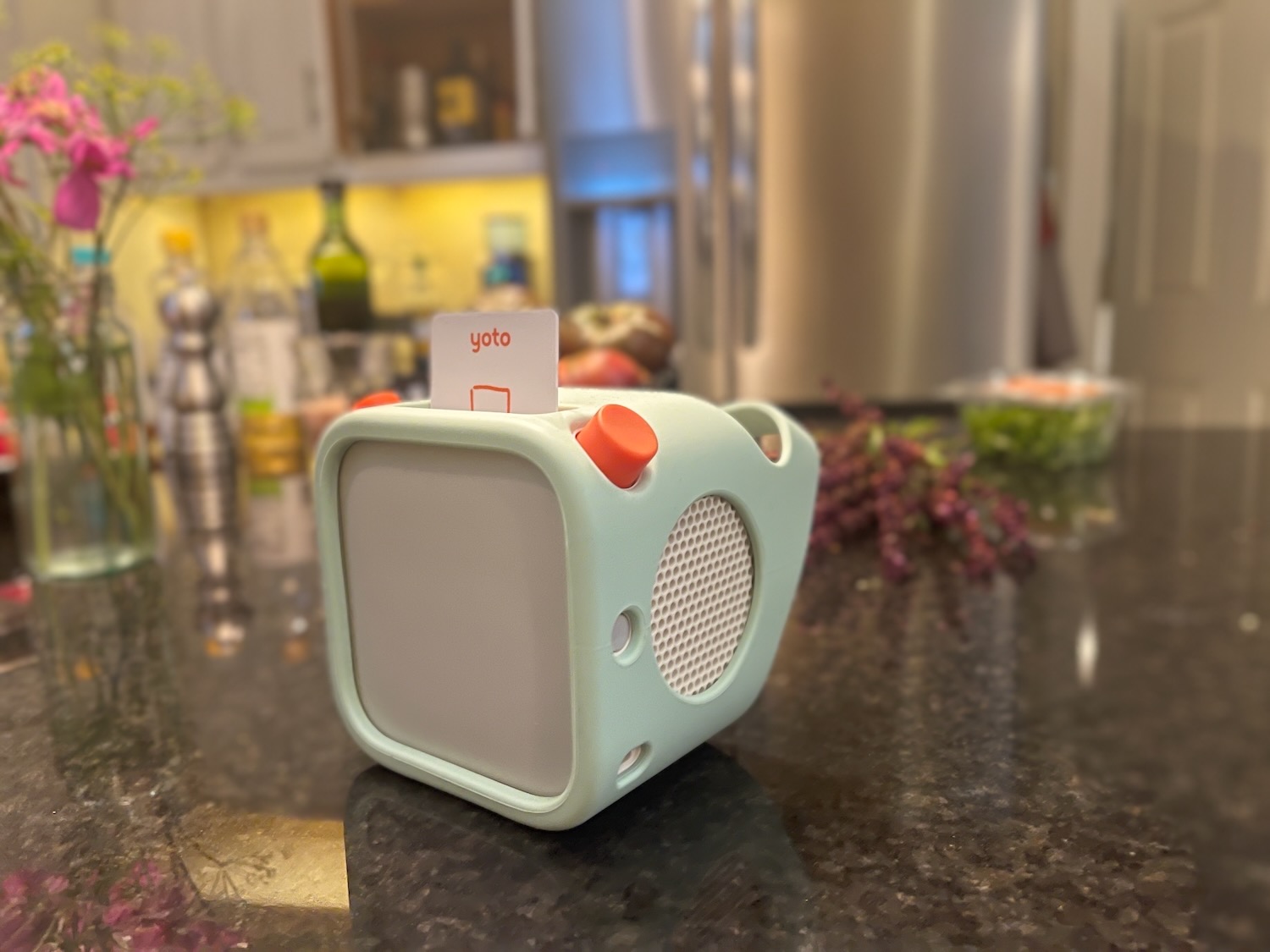
Yoto sells the alternative. A box a kid runs himself, with physical cards he picks and slots in. No screen, no feed, no algorithm deciding what comes next. My son has used the Mini for over a year, so I already knew the pitch holds up. When Yoto sent the full-size 3rd Generation for review, my questions were whether the bigger unit justifies the jump, and whether the part I actually resented had improved.
It has. Loading my own music onto the Mini used to crawl, to the point where I would upload a playlist and wonder for hours whether anything was happening. On the full-size player it lands fast. That was my loudest complaint a year ago and it is mostly gone.
What has not changed is the math. Getting music onto this thing costs you money or it costs you time. Buy cards at $10 to $39 each, or build the library yourself through the app, track by track. Spend the money and you buy the time back. Spend the time and you keep the money. There is no third option, and that trade is the real purchase decision here, not the $119.99 on the box.
Where It Sits and What You Get
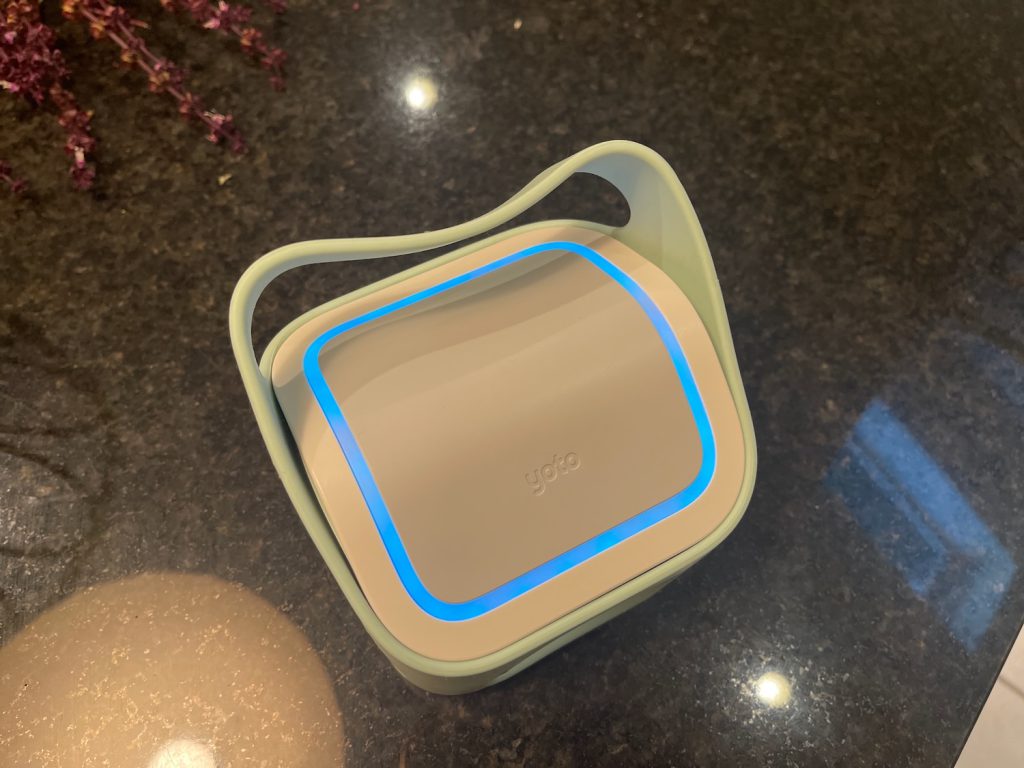
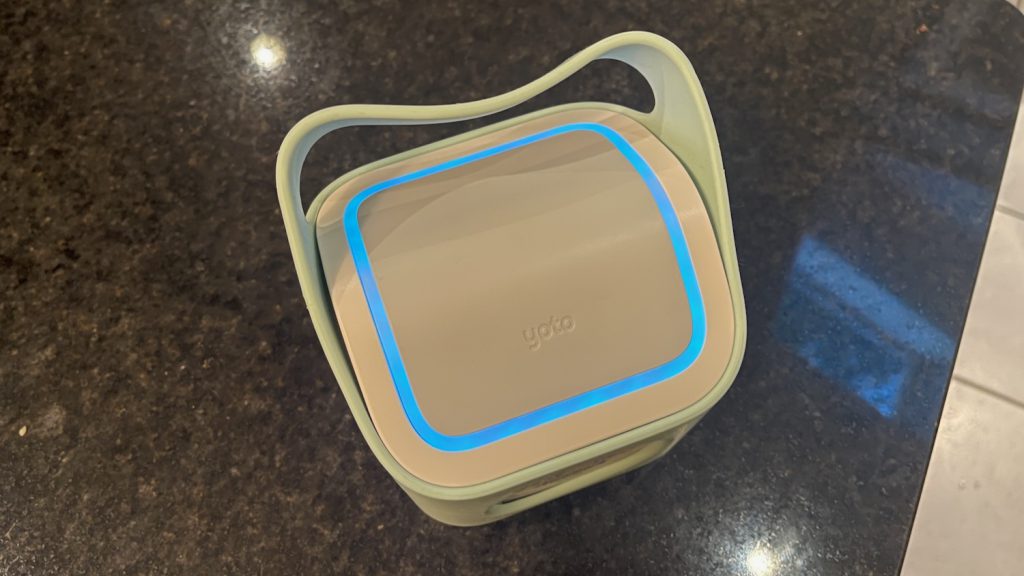
The 3rd Generation runs $119.99. The box holds the player, a 1.5 meter USB-A to USB-C cable, a quick start guide, and a Welcome Card that doubles as your first Make Your Own card. There is no power adapter and no wireless charger, a detail one long-form review flags in its unboxing as well.
That is not that strange in 2026, since half the electronics in my house ship the same way, but it is worth knowing before the box arrives on a birthday morning. The Amazon listing pairs the player with that same blank card and goes on sale often enough that paying full retail feels optional.
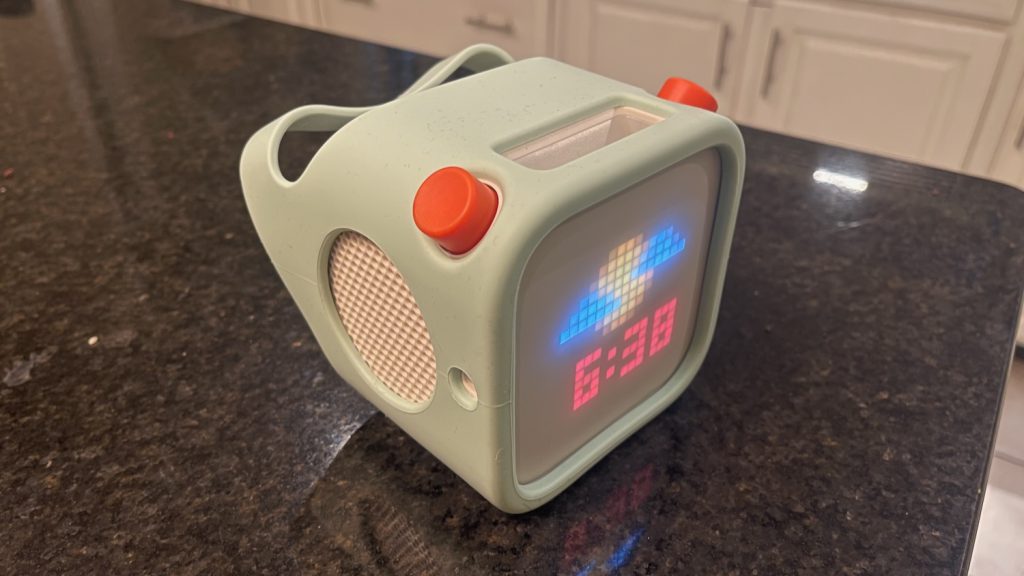
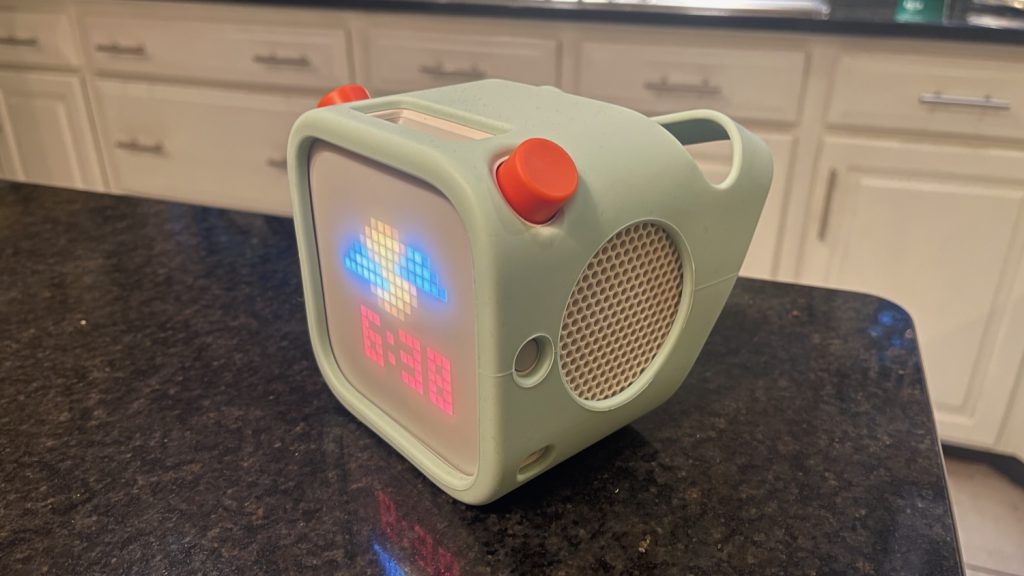
The Mini sits below it. A retailer’s own comparison puts the full size at 32GB and roughly 600 hours of stored audio against the Mini’s 16GB and 350 hours, plus stereo sound, a night light, a clock, and a room thermometer the Mini does not have. The Mini is the travel unit. The full size is the one that lives on a nightstand and doubles as a sleep trainer.
If you are new to the platform, understand this before you buy anything: the cards hold no audio. Each one is an NFC key. One owner explains the sequence better than Yoto’s marketing does. Insert a card, the player checks its internal storage for matching data, plays it immediately if it is there, and goes out over WiFi to fetch it if it is not. That single fact explains nearly every complaint you will read about this product, and it is why so many buyers get confused about whether the thing works offline.
Its direct rival is the Toniebox, which swaps cards for physical figurines. Yoto rates the player for ages 3 and up and lists more than 1,000 titles in its card store.
Setup, and Learning to Wait
Setup took minutes. Download the app, connect to WiFi, done. GoodTo’s tester clocked the same process at under five minutes, which matches my experience almost exactly. In 2.5 months I have not had a dropped connection, a failed card download, or a unit that would not turn on. It has been reliable, and I want that on the record before I complain about anything.
Now the complaint. Press the power button and nothing happens right away. You hold it, wait, start to wonder if you did it wrong, and then it wakes up. My son double-presses because of that gap. Coming from phones and computers, it bothers me more than it probably should.
My guess is the processor inside is exactly as fast as the margins on a $119.99 kids product allow. That is a fair trade at this price. It still shapes how the device feels every single time you use it.
Something interesting turned up when I checked whether other owners noticed. In critical Amazon reviews, people describe buttons that ignore presses, holds, and double taps, and one owner writes that the radio refuses to start until they click through settings several times. In glowing five-star reviews on the same listing, the same behavior shows up dressed differently. Owners write that it takes a few minutes to figure out the buttons, or that things got smooth once they remembered how the buttons work.
There is no learning curve on a power button. You press it, it turns on. What those parents learned was how long to wait before assuming they made a mistake. They absorbed the delay. I did not.
Age 3 on the Box, Older in Practice
My son is 3.5. He uses the player constantly for music and has close to zero patience for spoken content. He poked around the free material and found some of it interesting. Yoto Daily, the free morning podcast a lot of families build routines around, does nothing for him.
I am not alone. A pediatric occupational therapist gifted a unit by Yoto reported the same split in her house, where her 1-year-old could not have cared less and her 6-year-old would not put it down. Another reviewer who tested it with a 9-year-old says flatly that Yoto’s 3-and-up rating deserves adjusting. Parents in owner forums describe the same arc over and over: buy at 2 or 3, get music only, watch stories click somewhere around 4.
If you are buying for a 2-year-old because it is discounted, know that you are buying a good speaker with a night light for a year or so before the rest of the device switches on. It grows into the job. It does not start there.
The Features That Earn Their Keep
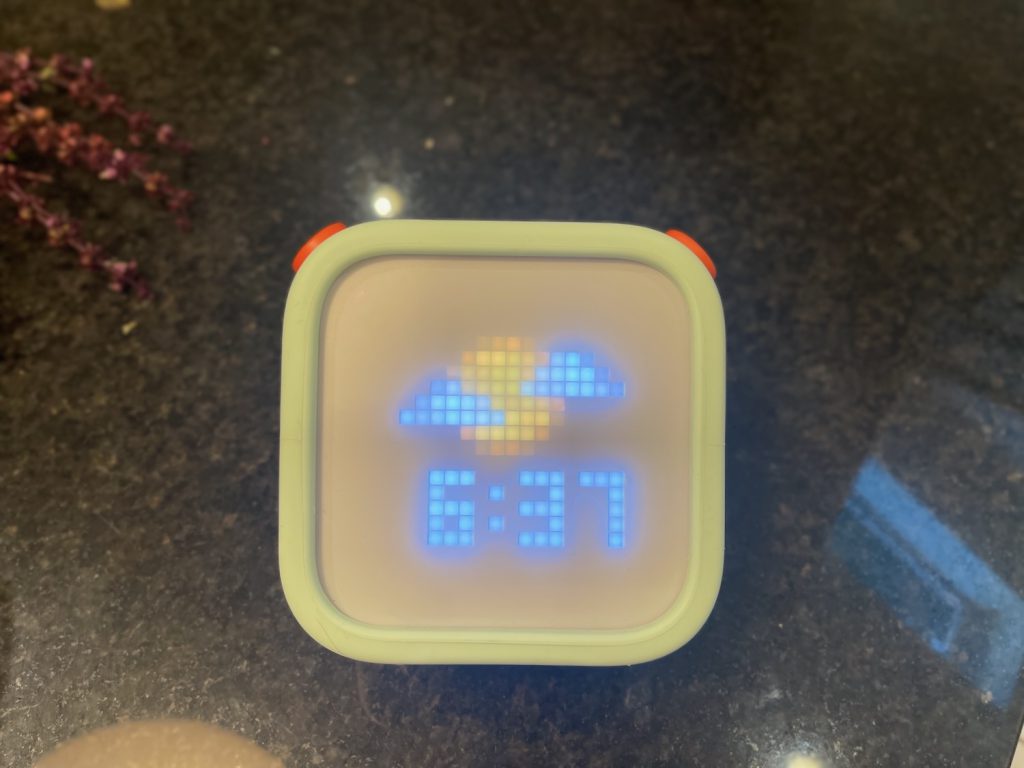
Headphones work well, and we use a kids pair. The app sets separate volume limits for day and night, which is the best parental feature here and the kind of thing you appreciate at 6 a.m. The night light and ok-to-wake display are useful if you are still fighting the stay-in-your-room battle.
Bluetooth speaker mode deserves a mention. During the stretch when I was fighting the upload process, the player quietly became a regular speaker and stayed useful. Good fallback to have.
The Card Economy, and How I Actually Load Music
Now the expensive part.
You buy the device, then you keep buying. PureWow put the range at $10 to $39 depending on whether you want a single five-minute story or a boxed set, and that tracks with what I see. A Yoto Club subscription exists to blunt the cost. I do not subscribe. Every player ships with one blank Make Your Own card, and if you are price sensitive that card is your starting point and probably your finish line.
So here is the process I use, start to finish.
Step one, find a service that lets you download the music as files. Plenty exist. Some will pull an entire playlist at once, and the good ones carry album artwork across, which genuinely surprised me the first time.
Step two, upload the MP3s to a Yoto playlist in the app. On iPhone you tap one track, then select all, then send the batch. The server rejects bulk uploads often enough that you will re-tap a few. The ceiling is 100 tracks per card, which an owner who built a whole library this way for an elderly relative also ran into.
Step three, sync the playlist to a card. This is where the app lost me. Yoto explains that you can link content by tapping the card to the back of your phone or by using the player itself, and both methods work. What is missing is any confirmation that the download is actually happening. You get a cloud icon and nothing else. No progress bar, no percentage, no indication of where the player is in the process. You select a song from your phone, the player will not play it, and you are left guessing whether it is downloading, stalled, or never received the instruction at all. It sorts itself out. You just have to trust it, and trust is hard to give a device that has already taught you to wait on the power button.
Speed itself has improved sharply. A year ago on the Mini, uploads crawled and I would sit wondering whether anything was processing on Yoto’s end. On the full-size unit, uploads land quickly. I suspect the fix happened on Yoto’s servers rather than in the hardware, but the result is the same.
As for where the files come from, I am not walking you through specific services and Yoto would not endorse them. I will say this is not a fringe hack. There is an active thread of owners asking Yoto for plain USB access so they can skip the app entirely, and one parent in it makes the point better than I can: picking up your phone to operate a screen-free device works against the whole idea.
Which raises the question I keep circling. Why is there no version that talks to Spotify and caches locally exactly the way it already caches cards? The plumbing exists. The reason it does not is not technical.
There is a real counterargument, and it deserves space. A large group of owners never hits the cost wall. They live on the free tier, Yoto Daily in the morning, Yoto Radio during the day, sleep radio at night, and say the free content alone justified the price. Even in a thread where one parent repeats the harshest version of my complaint, that the whole thing is a scam wearing a nice jacket, owners push back by pointing at the free content and the fact that a kid controlling a card cannot go anywhere they should not. If your kid latches onto a daily podcast, this device gets much cheaper. Mine has not.
The Battery Number That Moved
This is the part I did not expect to find.
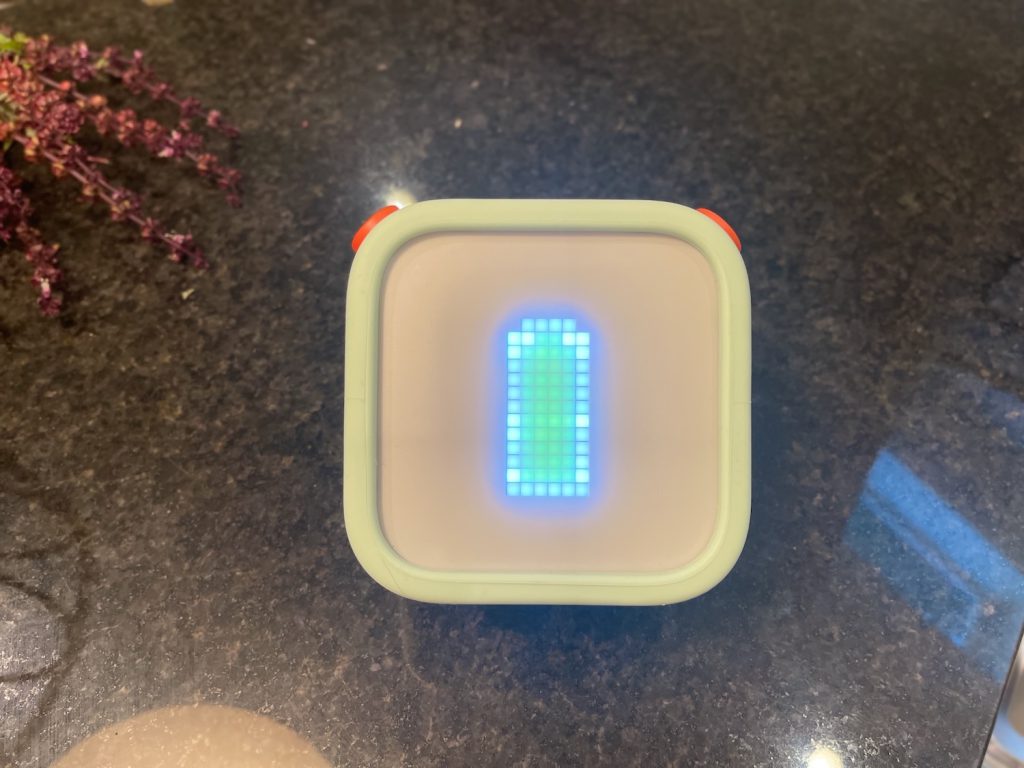
Yoto launched the 3rd Generation in 2023 advertising up to 24 hours of play, and early hands-on coverage described it as roughly triple the previous generation. Yoto’s product page now says up to 16 hours. Read the footnote and the number gets softer still, because that figure assumes battery saver set to 1 minute, 50% volume, and audio actually playing for only 6 of those 16 hours.
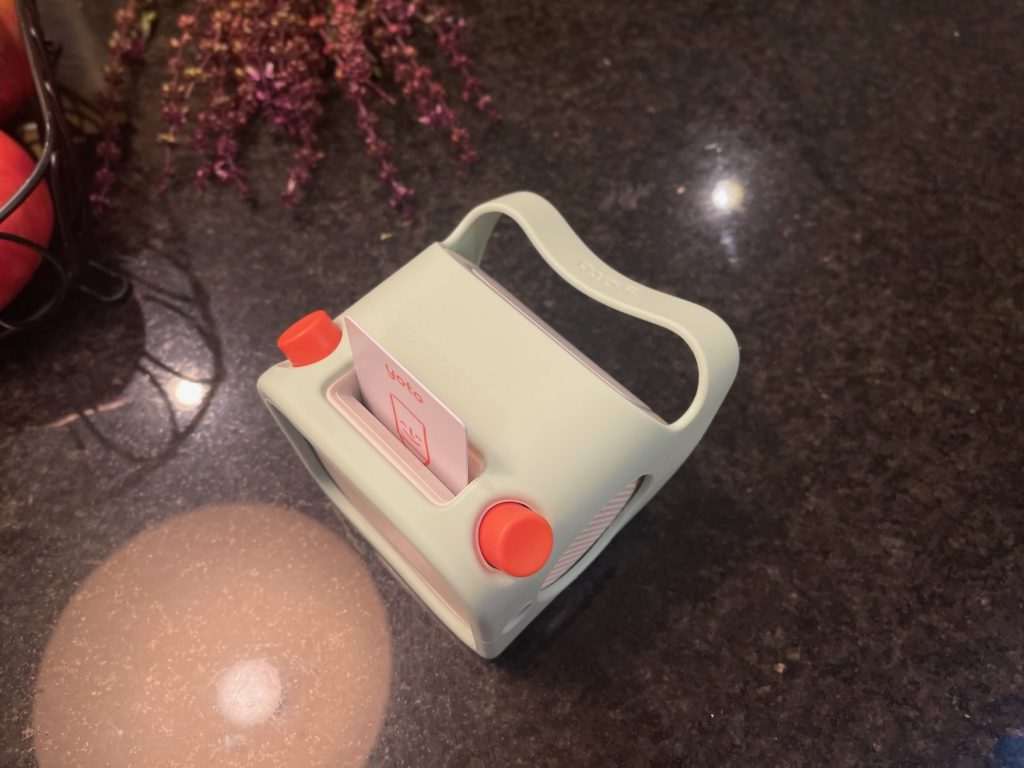
The old number never went away. The retailer comparison page cited earlier still lists 24 hours for the full size against 20 for the Mini. A creator sent the unit by Yoto told followers it does up to 24. Another review video splits the difference at 14. Amazon owners land lower, with one reporting 8 hours and another saying neither their full size nor their Mini survives a full day.
I cannot referee this. My son is the primary user and I have no idea how disciplined he is about switching it off, which is the exact position every parent buying this ends up in. What I can tell you is that the manufacturer revised its own claim down by a third and the surviving figure counts standby as play time. Charge it nightly and stop thinking about it.
Offline, and What I Cannot Tell You
Everything I tested happened on my home network. I never took the player to a hotel, on a plane, or to a relative’s house, so I cannot vouch for how it behaves away from home.
The mechanism is supposed to cache content to that 32GB so it plays without a connection, and experienced owners give the same advice in travel threads: download everything before you leave, because without stored tracks it needs WiFi. That works for plenty of families. It also fails for enough of them that Amazon carries a cluster of one-star reviews from parents whose vacations went silent, including one who could not get the player onto hotel or airplane networks at all.
If travel is your main reason for buying, download everything at home and test it in airplane mode before you go.
What Owners Report That I Have Not Hit
Mine has been solid. At 2.5 months I cannot speak to durability, so here is the pattern rather than a claim of my own.
The recurring serious complaints on Amazon are card slots that stop reading cards, screens that start glitching, buttons that die, and night lights that quit, most inside the first year. Customer service draws harsher criticism than the hardware, with owners describing no phone number, chat that dumps into email, and multi-day waits. One owner with a single dead button was offered a discount toward a new player because Yoto has no repair path, and called the company an e-waste problem for it.
Worth knowing where the tough feedback lives, since it changes how you should read this category. Video creators covering the Yoto are largely working with affiliate links, discount codes, or gifted units, which is standard practice and does not make their hands-on impressions wrong. It does mean the sharpest criticism tends to surface elsewhere, in one-star retail reviews and parent forums. Read both before you buy.
How I Tested
I used the Yoto Player (3rd Generation) for roughly 2.5 months as a review unit provided by Yoto. It stayed in our home on my own WiFi the entire time, and my 3.5-year-old was the primary user, mostly for music and occasionally for free content.
I loaded my own MP3s through the Yoto app on an iPhone, built playlists, linked them to Make Your Own cards using both the phone-tap method and the player itself, and compared upload times against a Yoto Mini I bought myself over a year ago and still use. I tested wired kids headphones, set app volume limits for day and night, ran the player in Bluetooth speaker mode, and used the night light and clock.
I did not test it away from home WiFi, on a plane, or in a car. I have not owned it long enough to speak to durability, so those sections lean on owner reports and are labeled as such. Battery runtime was not measurable in my house because my son controls when it is on.
Verdict
If you have a kid between roughly 4 and 10 who already likes music and stories, and you want them controlling their own audio without a tablet involved, this is the best version of that idea currently sold. It has worked reliably for me, my son uses it daily, and it has taken real screen time off the table. That is not a small result.
Buy the full size if it will live in one room and pull double duty as a night light and ok-to-wake clock. That is the strongest argument for spending more than the Mini costs. Buy the Mini if the player will travel, ride in the car, or get carried around all day. Owners who have lived with both are split hard on this, and in one thread about upgrading a parent who owns a first-generation full size and a Mini says that given the choice again, they would just buy two Minis. If your child is under 4, wait a year and catch a sale.
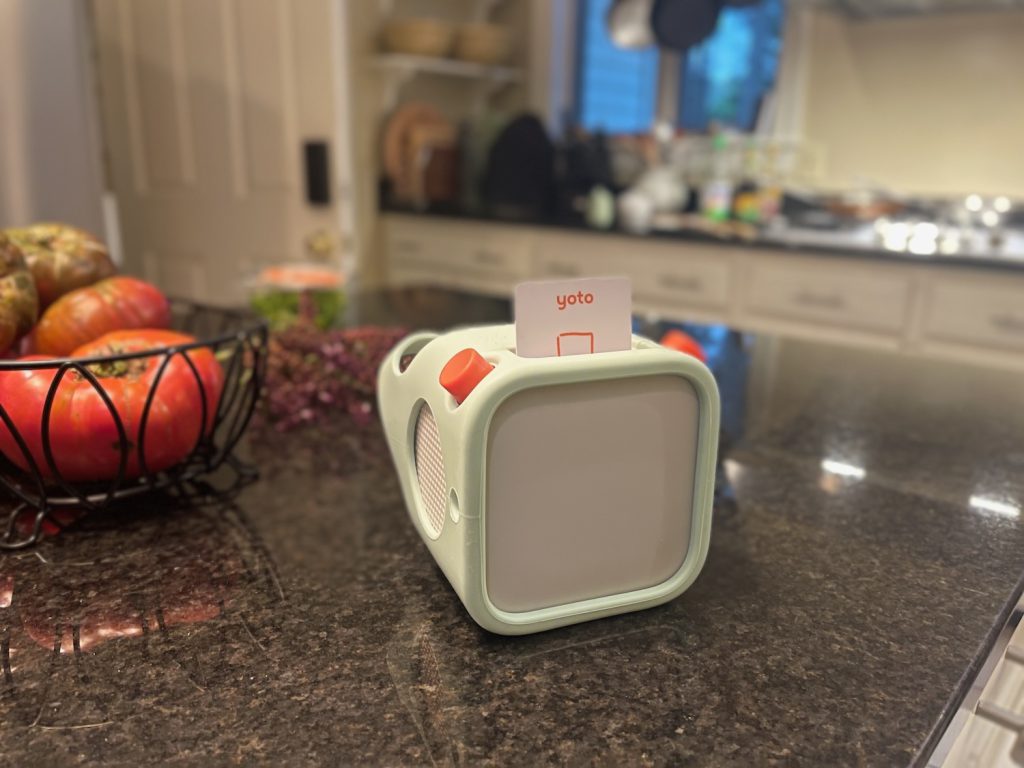
The compromise you are accepting is the content model. At retail card prices this gets expensive fast, which pushes engaged parents toward loading their own files, which pushes them back to a phone and an app. That is the irony I could not shake. I bought into a screen-free product and spent evenings on a screen feeding it, and my son has now learned that music comes from the phone in my hand. Free content saves plenty of families from this problem. It has not saved mine.
Is $119.99 justified? For a household that will actually use the free radio and daily podcast, comfortably yes. For a household that wants a specific library without building it by hand, budget another $100 or more and look hard at the subscription. If your kid is 2 or 3 and loves tactile toys, a parent who owns both boxes puts it the way I would, that neither is better and they suit different kids. The Toniebox is the easier fit for the youngest ones. Yoto is the one that keeps working as they get older.
Would I keep using it? I already am. I would also buy it somewhere with a painless return window, charge it every night, and adjust my expectations about how quickly it wakes up.