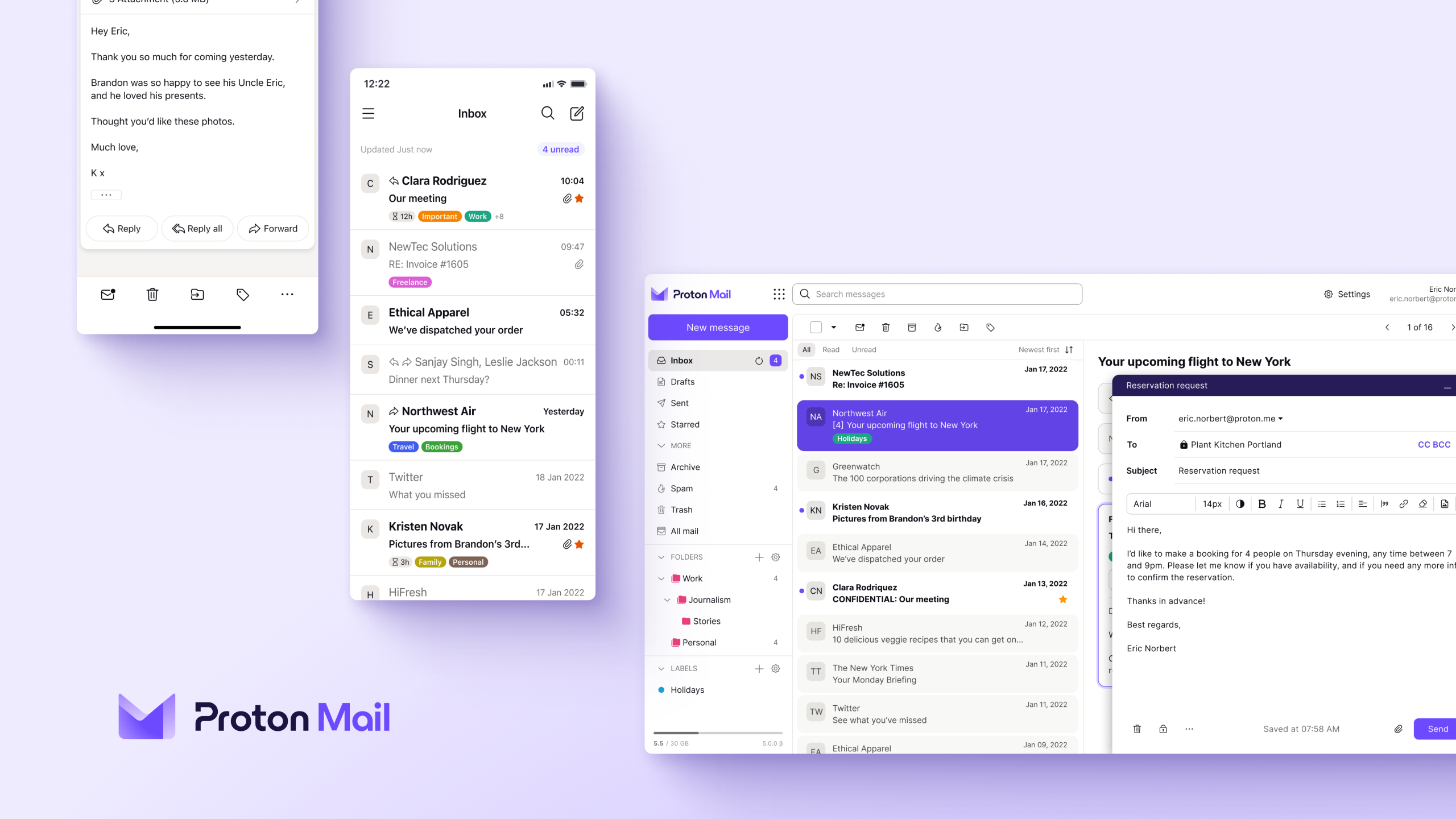





Proton Mail has been around for nearly a decade. It’s built by the same Swiss company behind Proton VPN and Proton Drive, and its entire pitch rests on one idea: your email should belong to you, not to an advertising engine. We pulled together dozens of independent tests, hands-on reviews, and head-to-head comparisons, and ran our own testing on top of it, to see how that pitch holds up against Gmail and the rest of the encrypted email field.
What Proton Mail Actually Does
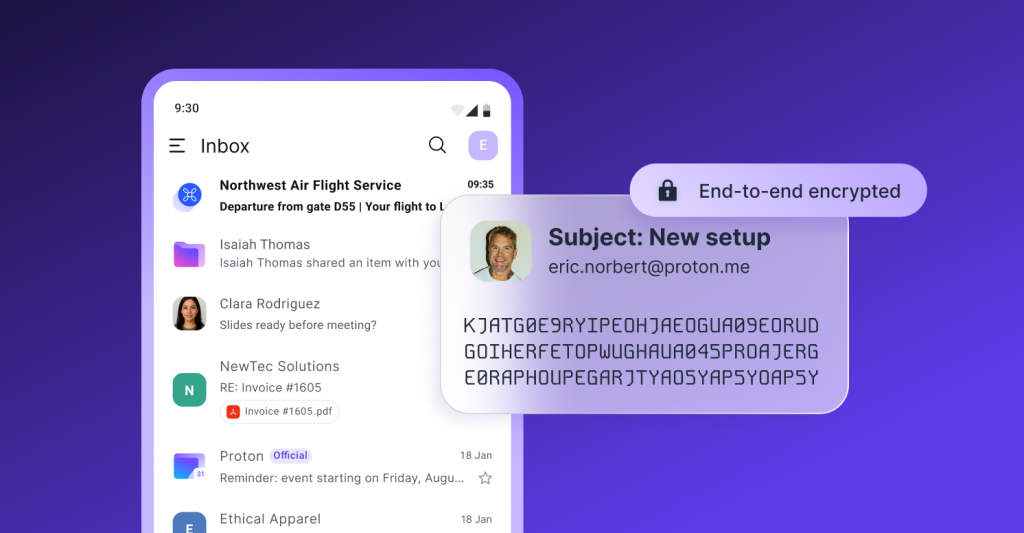
Proton Mail encrypts your inbox using end-to-end encryption between Proton users, and zero-access encryption for everything stored on its servers. That second part matters. Proton’s own staff can’t read your stored messages, even under a legal request, because Proton simply doesn’t hold the keys.
Gmail works differently. It uses TLS to protect messages in transit, and TLS only protects the trip between servers. Once an email lands, Google holds the decryption keys and can technically read the content. Several testers pointed out that Google stopped scanning inboxes for ad targeting in 2017, but metadata analysis, like who emails you and how often, continues.
Setup and Interface
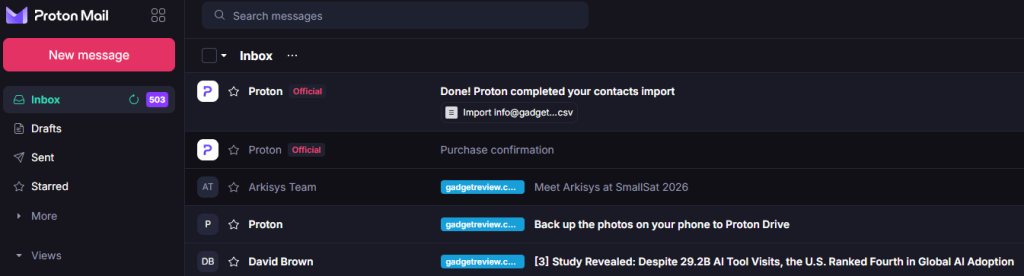
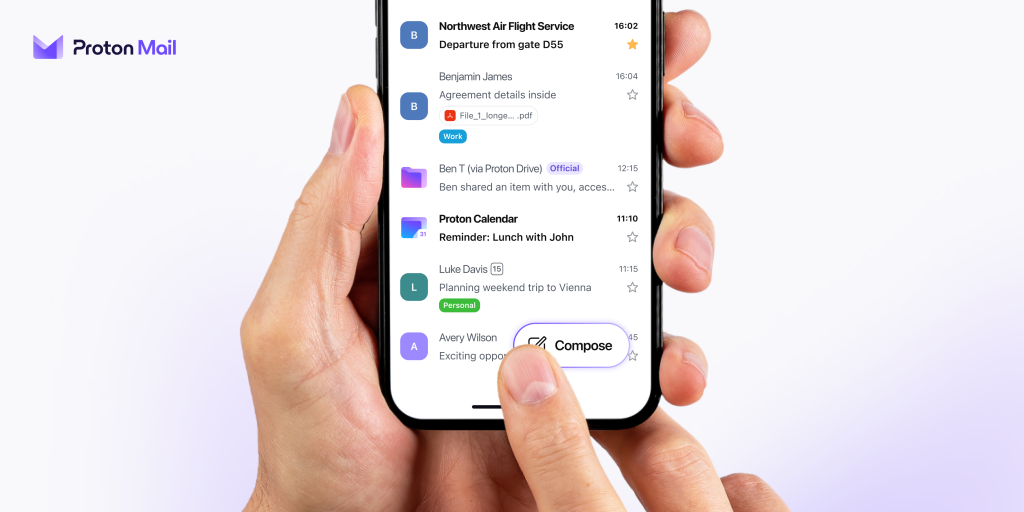
Signing up takes a username and a password. No name, no birthdate, no phone number required for the free tier, though Proton asks for a verification email or SMS code to confirm you’re human. The layout will feel immediately familiar to anyone coming from Gmail or Outlook: folders and labels on the left, message list in the middle, reading pane on the right.
Testers consistently called the interface clean and easy to pick up. In my own testing, nothing about it is difficult to understand or pointlessly buried in menus. If you’ve used any mail service before, you already know where things live.
You get eight theme options, including several dark modes, and you can switch between standard, compact, and column layouts. Switching themes is fast. I’m a dyed-in-the-wool dark theme user, and testing light mode meant a few seconds of adjustment before I was right back where I wanted to be. One reviewer noted the free version still nudges you toward a paid upgrade with a persistent banner, which some found mildly annoying compared to the cleaner free experience on Tutanota.
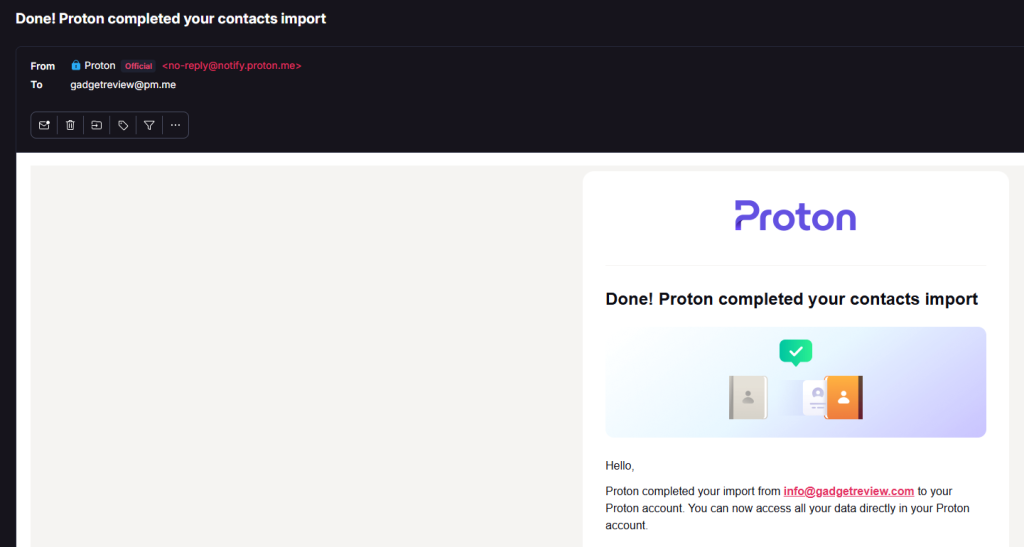
Migrating an existing inbox holds up to Proton’s own claims. Easy Switch took me about a minute to start, then ran in the background while Proton pulled everything in. Every imported message gets labeled with the specific email it came from and the date, which makes sorting out what arrived from where simple.
Security and Privacy
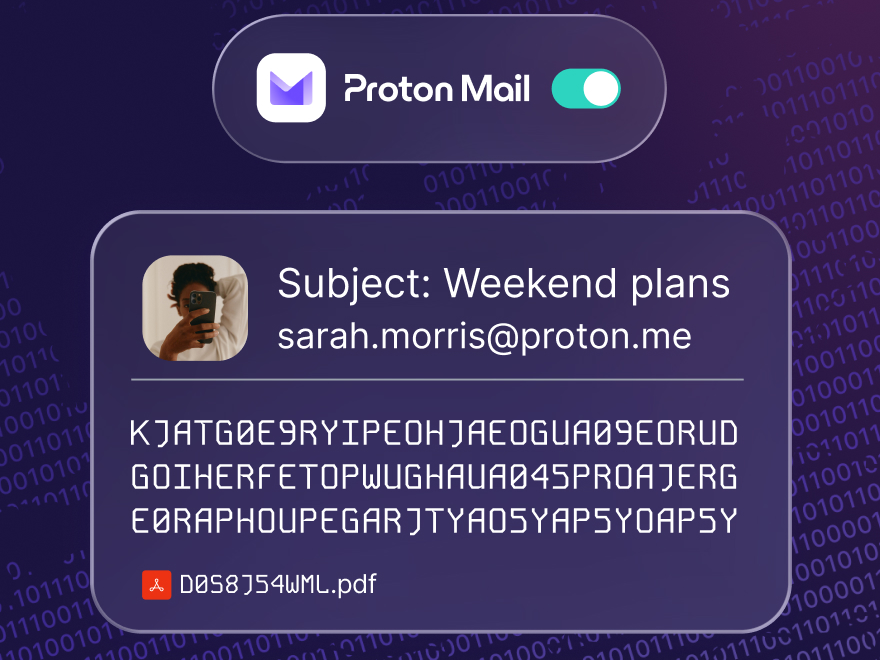
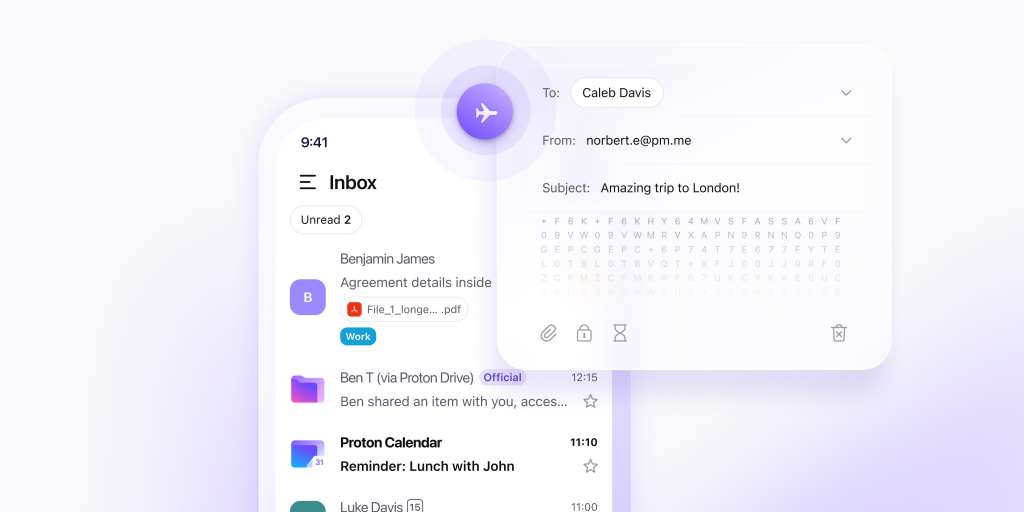
This is Proton Mail’s entire reason for existing, and it delivers. Messages between Proton users get automatic end-to-end encryption using OpenPGP, the industry-standard protocol. Sending to a non-Proton address means the message either goes out over TLS or gets locked behind a password you set yourself, with an optional expiration date.
Proton is headquartered in Geneva, and its main data center sits in a decommissioned military bunker under a thousand meters of granite. Swiss privacy law sits outside the Five Eyes, Nine Eyes, and Fourteen Eyes intelligence alliances, which several testers (including myself) flagged as a real structural advantage over US or UK-based providers.
The privacy story has one documented crack. In 2021, Proton logged and disclosed the IP address of a French climate activist after a legally binding order from Swiss authorities, following pressure from Europol. Proton didn’t hand over any message content, since it couldn’t decrypt it, and the company was transparent about the incident afterward. It’s worth knowing going in: Swiss law protects you from most requests, not all of them.
Two-factor authentication is supported through an authenticator app or a hardware key like a YubiKey. Proton Mail also strips tracking pixels from incoming images by default and warns you before you click a link that could be a phishing attempt.
Features and Productivity
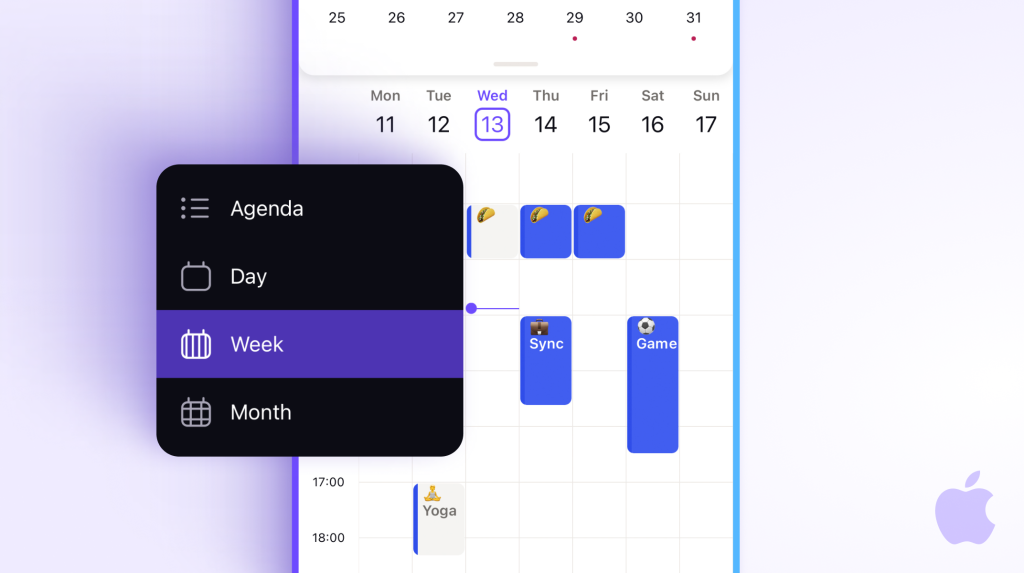
The free plan gives you one email address, 500MB to 1GB of storage depending on the source, and a cap of 150 messages per day. Upgrade to Mail Plus and you get 10 addresses, 15GB of storage, unlimited messages, and support for one custom domain. Proton Unlimited adds Proton VPN, Proton Drive, Proton Calendar, and Proton Pass into the same subscription, which is what I tested.
Hide-my-email aliases are a standout feature if you’re sick of handing out your email to everything you have to sign up for. You get 10 with Mail Plus and unlimited with Unlimited, generating a random forwarding address any time you sign up for something online. Several testers called this their favorite feature for cutting down spam and limiting exposure after a data breach.
Proton’s writing assistant, Scribe, gives you a switch most competitors don’t offer: run it locally on your device, or run it on Proton’s servers. I tested both. Either way, the no-logs policy covers it, so the real choice comes down to speed versus keeping everything strictly on-device.
Search comes with a real limitation. Because Proton can’t read encrypted content on its servers, full-text search happens locally in your browser after downloading an index. This makes search noticeably slower than Gmail on large inboxes, and a few testers found it frustrating enough to mention directly.
Mobile and Desktop
The iOS and Android apps mirror the web experience closely, with biometric lock and swipe actions for archiving and organizing. One tester found the Android app missing basic formatting tools entirely, no bold, no italics, no bullet points, a gap that’s reportedly existed since 2021. I decided to check on if this has been fixed…and no, not yet. Plain text will have to do if you plan on doing any emailing from your phone.
Desktop access outside the browser requires Proton Mail Bridge, a background app that decrypts and re-encrypts messages so you can use Outlook, Thunderbird, or Apple Mail. Bridge is locked behind a paid plan, however, so free users get web and mobile only.
Proton Mail vs. Gmail
This comparison shows up in nearly every source we reviewed, and the conclusion (mine included) holds steady across all of them: Gmail wins on convenience. Deep integration with Docs, Calendar, and Meet, 15GB of free storage, powerful search, and an AI assistant that can draft and summarize on request is hard to say no to. For most day-to-day communication, Gmail is familiar and comfortable if you’ve gotten used to leaning on AI to help you out.
Proton Mail wins on the question that actually defines the product: who can read your email. Google holds the keys to your Gmail account and can access content when legally compelled or when scanning for security threats. Proton physically cannot decrypt your stored messages, key difference or not.
The practical answer several testers landed on is running both. Gmail handles daily communication and collaboration. Proton Mail handles anything sensitive: financial documents, medical records, legal correspondence, or communication with sources.
The Trade-Offs
Free storage is tight at 500MB to 1GB, compared to Gmail’s 15GB. I tested the Unlimited version of the plan, so I didn’t have such intense limits to deal with, but 1GB of storage space will go fast if you’re taking hi-res photos, or even just trying to upload some high-quality video footage. Full-text search also runs slower due to local encryption, but that’s less a trade-off and more a symptom of going for more privacy. Bridge access for desktop clients, however, requires a paid plan. Subject lines also aren’t end-to-end encrypted the way message bodies are, but that’s a limitation of the OpenPGP standard. Competitors like Tutanota address this by using custom encryption instead.
Third-party integrations are limited compared to Gmail’s Workspace Marketplace, too. If your daily workflow depends on dozens of connected apps, Proton Mail will feel more isolated.
Pricing
Free gets you one address, up to 1GB of storage, and 150 messages a day. Mail Plus runs around $4 a month for 15GB, 10 addresses, and one custom domain. Proton Unlimited runs around $10 a month for 500GB shared across the entire Proton ecosystem, including VPN, Drive, Calendar, and Pass. If you’re not using your email much, it’s pretty compelling to just go for the Free tier; you lose some functionality compared to Gmail but you reap the benefits of a very private inbox. If you’re in the habit of signing up for various services though, then you’ll want aliases, and that means springing for the paid tiers.
Compared to paying for a VPN, password manager, and cloud storage separately, the Unlimited tier in particular comes out ahead for anyone who’d use those services anyway. Compared to Gmail’s free tier alone, Proton costs real money for less raw storage…but Gmail turns you into the product to make using it free, so you’re paying one way or another.