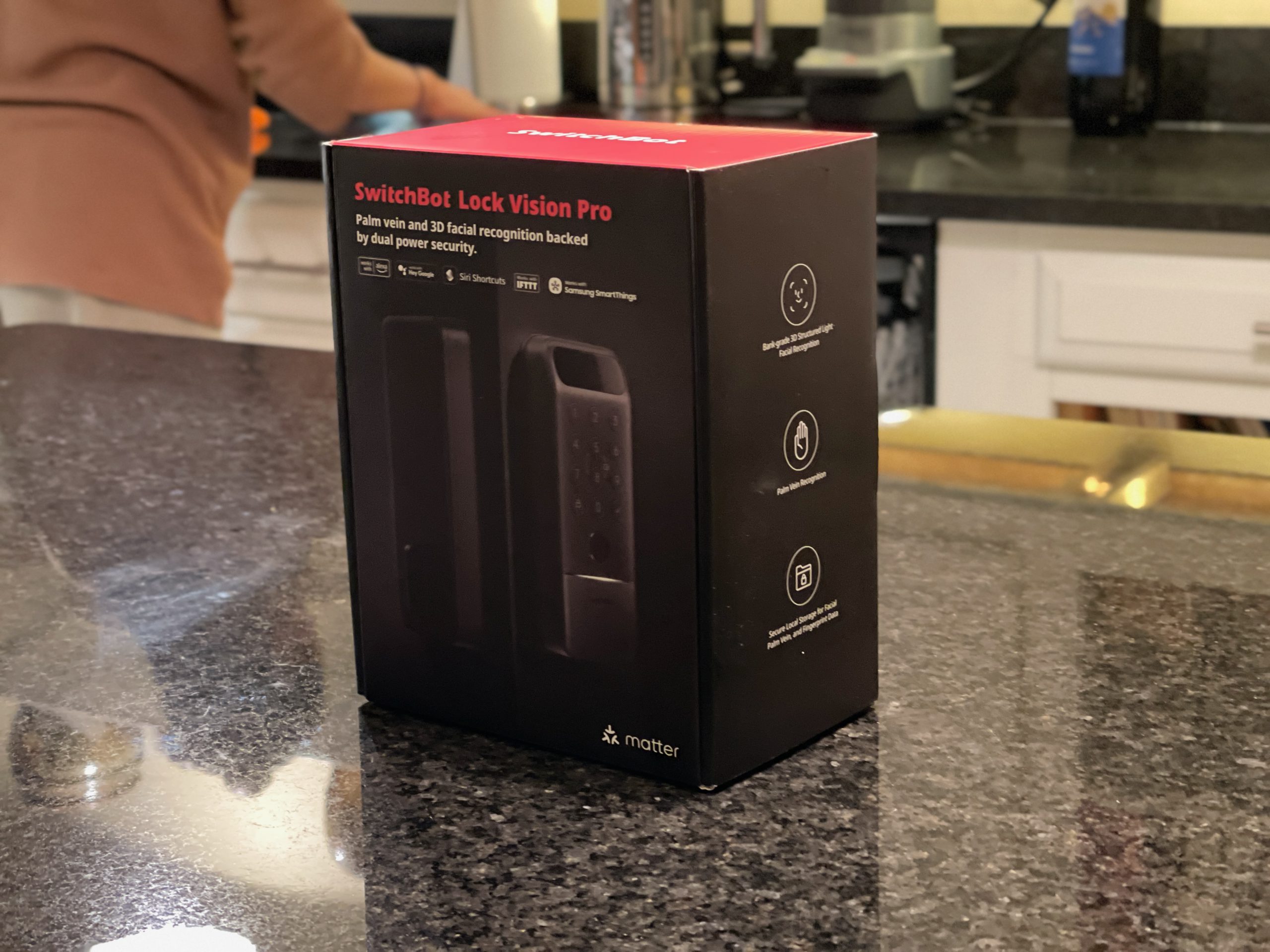





Standing at your front door juggling groceries while digging for keys or a fingerprint is the whole reason face-unlock locks exist. SwitchBot built the Lock Vision Pro around that exact moment. You walk up, it sees you, the door unlocks. No pocket dig required.
Where It Sits in SwitchBot’s Lineup
The exact model is the SwitchBot Lock Vision Pro, model number W9022000. You can check the current specs page for full details, but the short version is this: SwitchBot sells it alongside a cheaper sibling, the standard Lock Vision, which runs $169.99 and skips palm vein and fingerprint unlock.
The Pro adds both for a $60 premium. Everything else between the two models is identical, according to a SwitchBot pricing comparison against the Lock Vision, August Wi-Fi Smart Lock, Yale Assure Lock 2, and Level Lock Plus.
This sits above SwitchBot’s older Lock Pro and Lock Ultra models, which rely on separate keypad accessories for biometric access instead of building it into the lock body.
The Vision Pro is SwitchBot’s flagship for anyone who wants face and palm unlock without bolting on extra hardware. If you caught our SwitchBot Prime Day coverage, this is the model that keeps showing up at the top of the discount list.
MSRP is $229.99. At the time of this review, a $60 coupon dropped that to $169.99 before tax. Coupons rotate constantly, so check the SwitchBot product page or Amazon’s current listing before you buy.
Direct competitors include the Yale Assure Lock 2, the August Wi-Fi Smart Lock, and the Level Lock Plus. None of those offer face recognition.
For buyers who want touchless unlock without SwitchBot’s ecosystem, the Aqara U400 uses ultra-wideband instead of facial scanning and runs $269.99, while the budget-focused ULTRALOQ U-Bolt Pro skips biometrics almost entirely and sits under $130, according to a smart lock roundup covering UWB and biometric options.
Installation
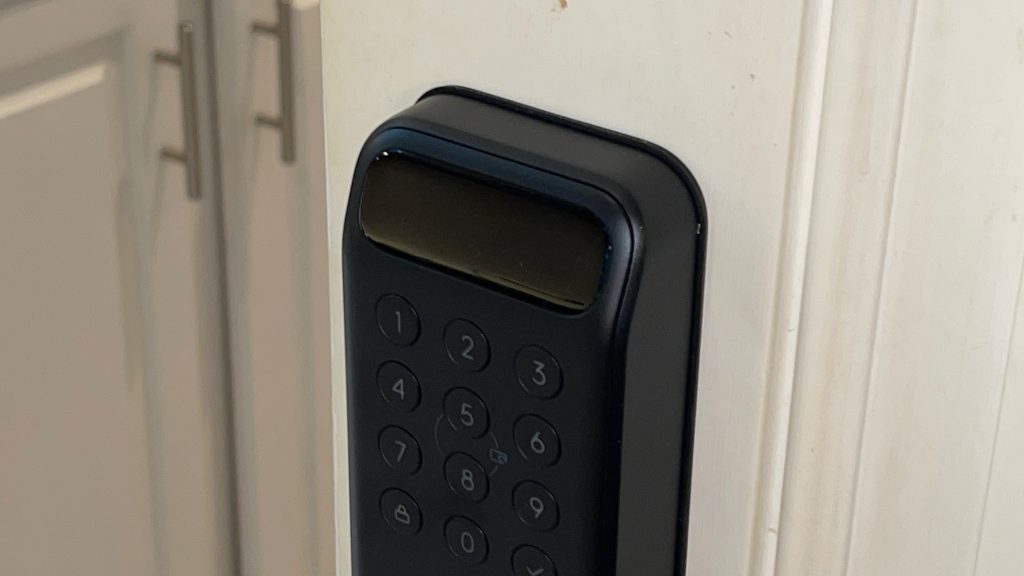
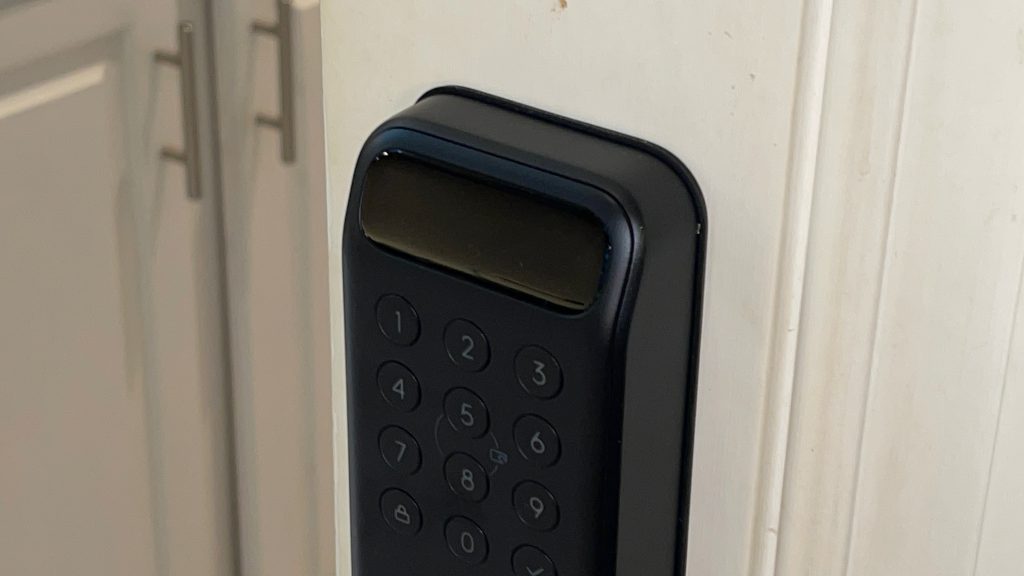
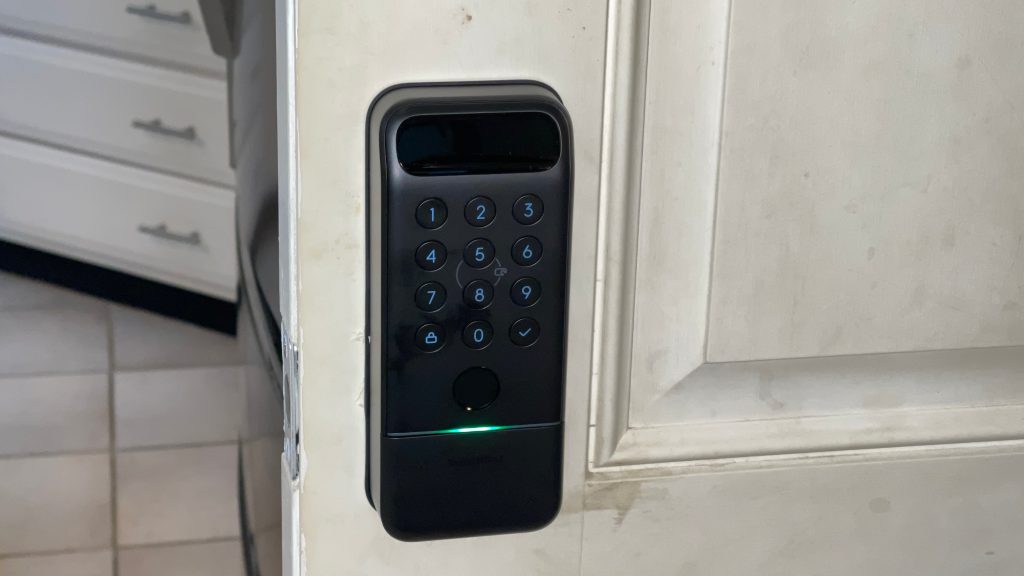
I’ve put in around five smart locks at this point, so this felt familiar. Pull the old deadbolt, swap the latch if needed, and mount the exterior unit with the keypad, fingerprint reader, and camera for face and palm scanning. A strip of tape holds it in place while you line up the mechanism, which is the easiest part of the whole process.
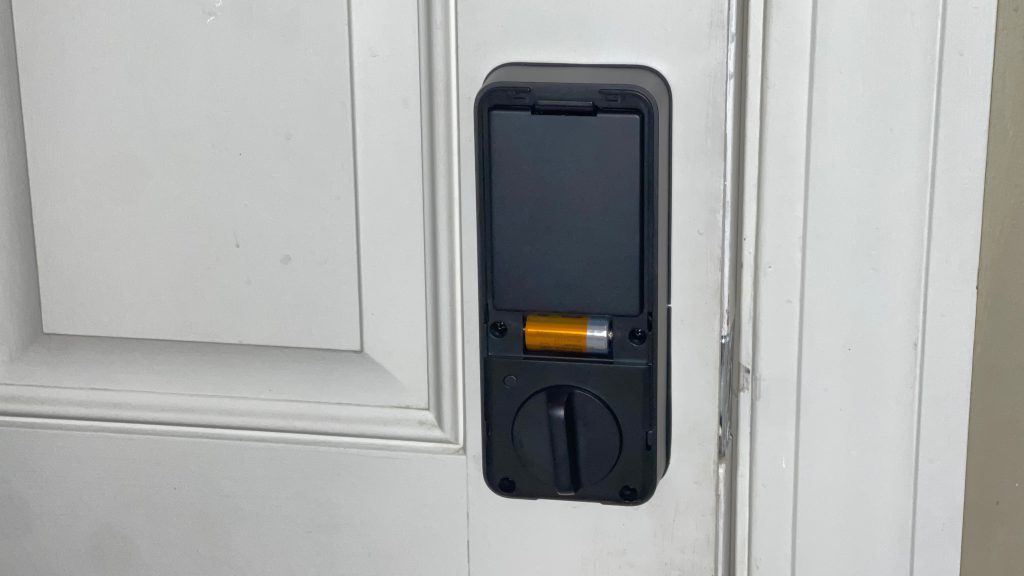
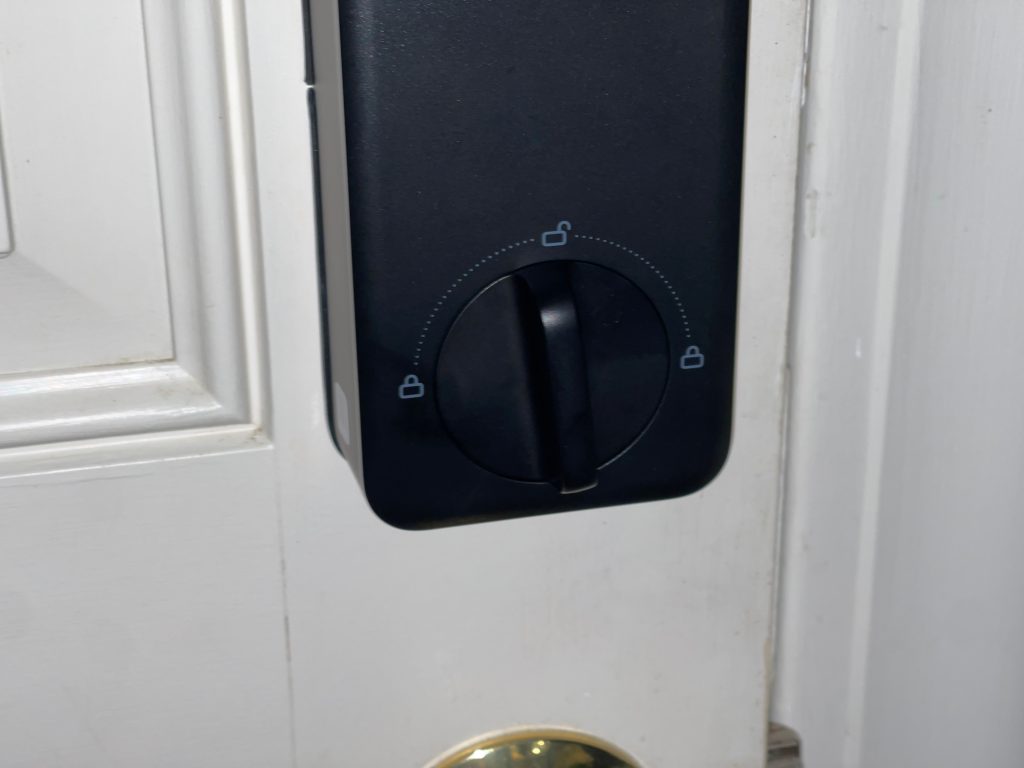
Run the connecting wire through to the interior side, plug it in, and add the mounting plate with a couple of screws. Then the interior assembly goes on with a few more screws that line up through the plate. Charge the main battery pack overnight before you install it. The whole thing took about 15 minutes, which lines up with what SwitchBot advertises for a standard deadbolt cutout.
Face, Palm, and Fingerprint Unlock
This is where the lock earns its price. Face recognition, fingerprint, palm vein, and a 6-digit passcode all worked fast and consistently once I set them up through the app. SwitchBot’s own numbers back up what I felt in daily use: face unlock in under one second, palm vein readable from about 3 to 10 inches without touching anything, and fingerprint recognition around 0.3 seconds.
The lock mechanism itself throws smoother than anything I’ve used from Yale or August. No grinding, no hesitation, no double-checking that it actually locked.
Battery Life
I ran the lock for two weeks with no signs of the main battery dropping. SwitchBot rates the 10,000mAh main battery for up to 12 months on a single charge. A CR123A backup battery kicks in when the main pack needs a recharge and is rated for 500 emergency unlocks, including in cold weather.
A USB-C port on the exterior unit lets you plug in a portable battery pack if both run dry. Between the primary battery, the backup cell, and the USB-C failsafe, getting locked out because of dead batteries looks like a real edge case rather than a common complaint.
Wi-Fi and Notifications
Wi-Fi is built into the lock, so there’s no separate hub to buy just to get remote access. I got a push notification every time the door locked or unlocked, and it worked every time in testing.
If you’re already in the SwitchBot ecosystem, this ties into the rest of your setup without extra steps, similar to what we covered in our Apple Home accessories guide.
It’s also Matter compatible for connecting to other smart home platforms, and it fits the same automation-first mindset we outlined in our smart home automation roundup.
Customer Notes
I didn’t run this lock through a Home Assistant or Matter-heavy smart home setup, but that’s a gap worth flagging.
Several Amazon reviewers running the lock through Matter into Home Assistant report that it fails to sync lock state properly when the door is opened manually with the handle, and one owner running five units on their house called the Matter implementation “useless” for that reason.
That tracks with a similar complaint from a comparison of SwitchBot’s retrofit lock lineup, which notes documented firmware quirks around keypad unlock timing and Bluetooth pairing stability on related models.
Multiple owners also mention face and palm recognition getting flaky in direct sunlight, which I didn’t run into during my testing since my front door doesn’t get hit with much direct light. Worth checking your own doorway conditions before assuming this will be flawless outdoors. A handful of one and two-star reviews describe slow or unreachable customer support, which is a real risk if you hit a firmware issue like the ones described above.
How I Tested
I installed the lock myself on a standard exterior deadbolt door, following the same install process I’ve used on four or five other smart locks. I enrolled and tested face recognition, fingerprint, palm vein, and a 6-digit passcode over roughly two weeks of daily use. I compared the unlock mechanism and overall feel against Yale and August locks I’ve previously installed and used.
I did not test Matter integration through Home Assistant, and I did not test the lock in direct sunlight conditions, both of which are flagged as gaps above based on other owners’ experiences.