Your gaming setup designed for precision might be precision-listening to your private conversations. Those high-DPI mice that make headshots effortless can also detect microscopic desk vibrations from your voice—and transform them back into recognizable speech.
The Invisible Microphone on Your Desk
Advanced optical sensors create an undetectable eavesdropping vulnerability hiding in plain sight.
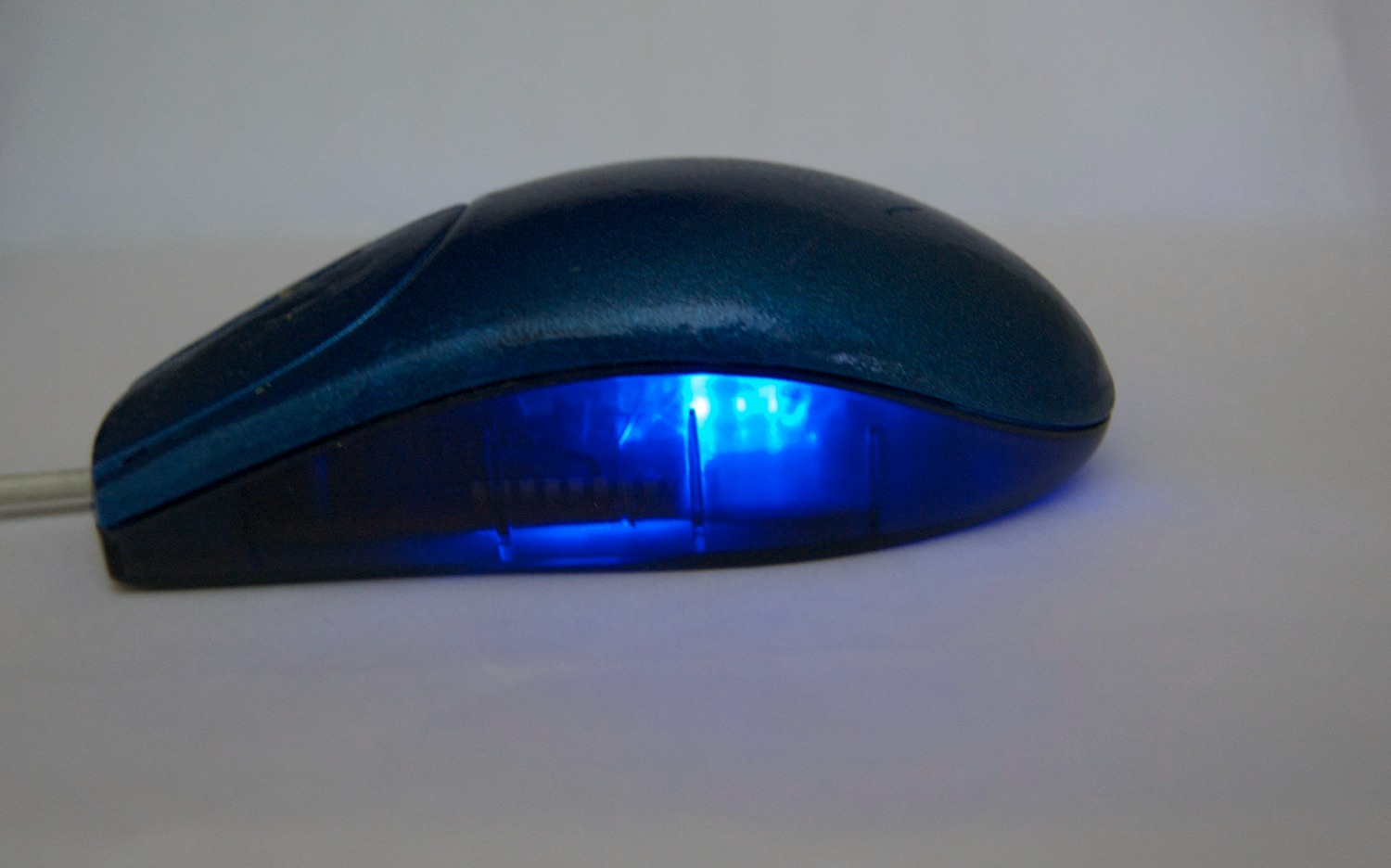
University of California, Irvine researchers revealed that gaming mice with 20,000+ DPI sensors can function as covert listening devices. The Mic-E-Mouse project demonstrates how these optical sensors detect tiny vibrations caused by nearby speech, then use signal processing and neural networks to reconstruct audio with 42-61% accuracy in controlled environments.
The vulnerability affects any high-DPI mouse with sufficiently sensitive sensors, transforming your precision gaming hardware into potential surveillance equipment. These devices aren’t just tracking movement—they’re potentially tracking conversations happening near your desk.
No Hacking Required
Any legitimate app requesting mouse data could exploit this vulnerability without detection.
The most unsettling aspect requires no malware installation or system privileges. “The software scheme used in our pipeline is invisible to the average user during the data collection process,” the UCI researchers noted. Any game, creative software, or productivity app that requests high-frequency mouse data could theoretically be exploited.
The reconstructed audio gets transmitted off-site for analysis while you remain completely unaware. The attack operates through normal mouse data streams that applications routinely access for legitimate purposes.
Your Desk Becomes a Surveillance Device
Mainstream adoption of high-performance mice expands the potential attack surface significantly.
This vulnerability hits differently because it weaponizes hardware you already own and trust. High-DPI gaming mice have become remarkably affordable—Amazon now sells 20,000 DPI models for under $30, compared to $200+ pricing just years ago.
That widespread adoption means millions of desks now harbor potential listening devices. Businesses discussing sensitive projects, government agencies, even your private calls near your computer could be compromised through equipment designed to improve productivity and gaming performance.
The New Reality of Hardware Privacy
Currently a research project, but represents a feasible threat vector with surprisingly low technical barriers.
Mic-E-Mouse remains academic research with no evidence of active exploitation in the wild. However, the technical barrier proves remarkably low—off-the-shelf hardware plus open-source signal processing tools make reproduction feasible for determined attackers.
This follows an uncomfortable pattern of discovering everyday devices can spy in ways their designers never intended, similar to GPU fans functioning as microphones or power supplies leaking data through electrical noise. The mouse sitting next to your keyboard represents more than productivity gear—it’s a reminder that privacy vulnerabilities hide in the most mundane places throughout our sensor-saturated world.